
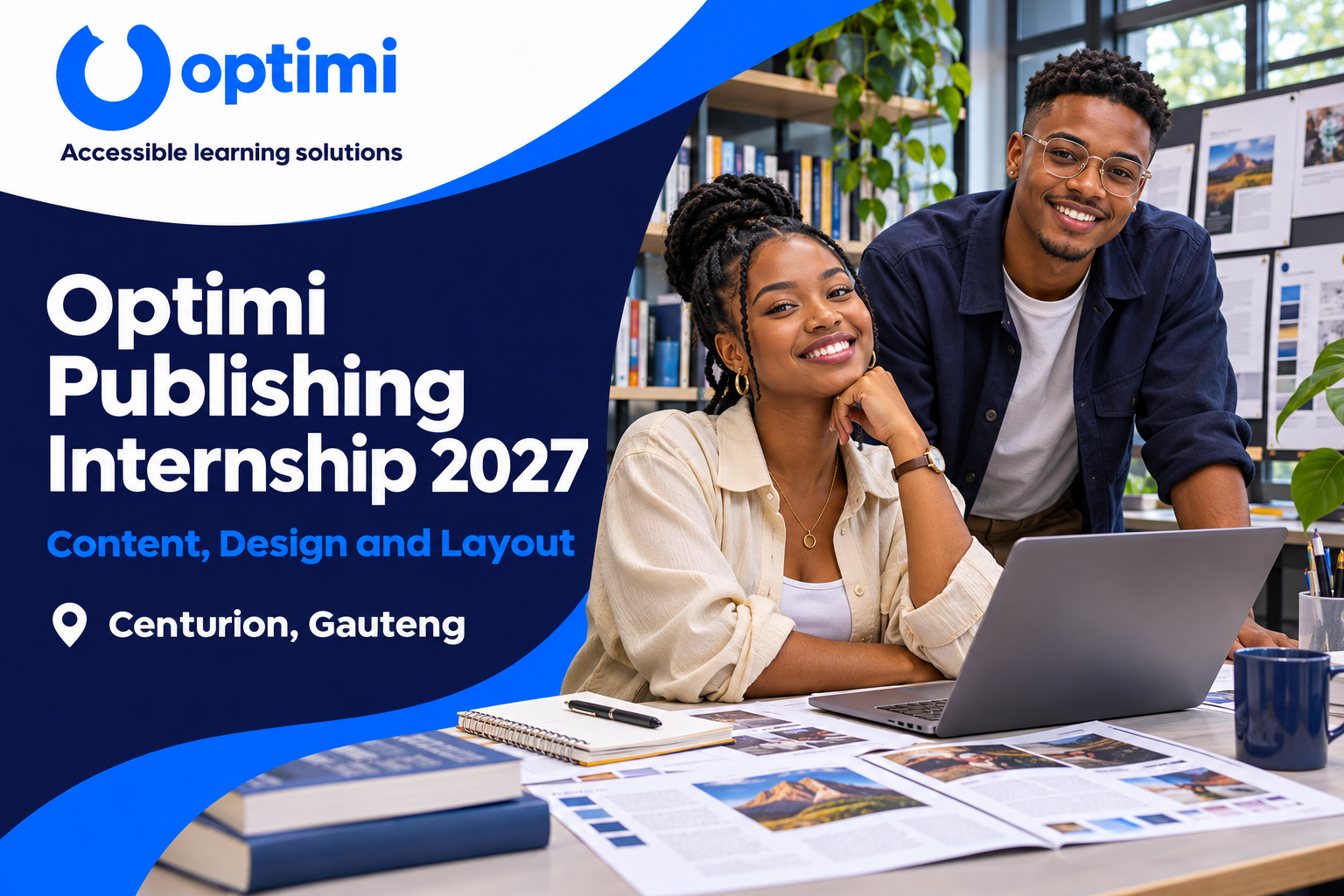
Explore the Optimi Publishing Internship 2027 in Centurion, including qualifications, software requirements, application tips and the official link.
Optimi Publishing Internship 2027: Your Essential Guide to Building Creative Workplace Experience
Turning a creative qualification into workplace experience takes more than a strong interest in design. It also requires accuracy, organisation and the ability to prepare content that other people can use. The Optimi Publishing Internship 2027 offers a practical opportunity for graduates interested in how publications move from working documents to finished materials. Based in Centurion, the programme combines content, publishing, design and layout work with further learning. If you enjoy arranging information clearly, checking details and working with page layouts, this opportunity may match your interests. This guide explains the advertised requirements and offers practical suggestions for preparing an application that reflects your skills without overstating your experience.
What is the Optimi Publishing Internship 2027?
Optimi Group is offering a twelve month internship within its Product Development team in Centurion, Gauteng. The programme includes completing an accredited qualification, although the advert does not identify its title or level.
Applications close on 11 December 2026. No stipend amount is disclosed. Applicants can review the details on the official Optimi recruitment page.
Qualifications and skills required
The advert requires:
- Matric.
- A BA majoring in Language and Design, Publishing, Information Design or a related discipline.
- Proficiency in Adobe InDesign and Adobe Acrobat.
- Microsoft Office proficiency.
- Strong written and verbal communication.
Practical book design and layout knowledge is advantageous. Applicants must not have participated in a previous internship programme. Review the official eligibility requirements before preparing your submission.
What does the work involve?
Responsibilities include preparing PDFs for printing, converting publications into digital formats, updating interactive PDF features and working with layout templates. The intern also assists with project coordination, stakeholder communication and checks on proofs and production files.
These duties are listed in the official job description. They indicate a role combining creative production with careful administrative work.
Decide whether the opportunity suits you
Before applying, consider which parts of publishing you most enjoy. Some people prefer developing visual ideas, while others enjoy organising long documents, checking consistency or improving how readers navigate information.
This role may appeal to someone who enjoys both design and detail. A page can look attractive but still contain an incorrect heading, missing image or awkward reading order. Being willing to review and correct your work is therefore valuable.
You should also consider the location when planning your application. Think realistically about travel and availability. Do not assume flexible or remote arrangements unless the employer confirms them.
Build a small, relevant portfolio
A portfolio can help explain your abilities if the application allows supporting work or a link. The advert does not explicitly make a portfolio compulsory, so treat this as an application suggestion rather than an additional requirement.
Choose a few pieces that demonstrate clear typography, consistent spacing and thoughtful organisation. A short booklet, academic publication project or carefully designed information document can be more relevant than a large collection of unrelated graphics.
For each sample, explain the purpose, the audience and your contribution. If it was a group project, identify the elements you completed.
Use only material you have permission to share. Remove personal information and avoid uploading confidential client or employer documents.
Show what you can do with the software
Software names alone do not explain your level of ability. Where possible, connect each skill to a real task.
For example, you could describe using InDesign to arrange a multipage student project or Acrobat to review a PDF. Be specific about what you completed independently and where you received guidance.
Avoid rating yourself as an expert unless your work supports that description. A graduate who explains their current abilities honestly can still present a convincing application.
If your skills need refreshing, practise on a small document before applying. Review the finished file as a reader would, rather than focusing only on how it looks inside the design software.
Prepare a clear graduate CV
Your CV is itself an example of how you organise information. Make it easy to read, with consistent headings, sensible spacing and an obvious order.
Place your qualification and relevant software skills near the beginning. Follow these with academic projects, freelance work, volunteering or other experience that demonstrates useful abilities.
You do not need to force every past activity into a publishing description. Instead, explain transferable skills accurately. Customer service may demonstrate communication, while coordinating a student project may show planning and follow through.
Check spelling, punctuation and dates carefully. A visually impressive document loses credibility when basic details are incorrect.
Write a focused motivation
If the portal requests a motivation, explain why you are interested in publishing and what you hope to learn. Keep the message connected to your experience.
Mention one project that helped you develop relevant skills. Explain the challenge, your contribution and what you learned from completing it.
Avoid broad statements such as being passionate about everything creative. A specific interest in making complex information easier to read says more about your thinking.
You can also explain how you respond to feedback. Publishing work often involves revisions, and an example of improving a project after constructive criticism can show maturity and willingness to learn.
Prepare for an interview or practical discussion
Have a few examples ready before an interview. You may find it useful to practise explaining:
- How you checked a document before submitting it.
- How you managed a project deadline.
- How you responded to requested changes.
- How you worked with someone whose ideas differed from yours.
- What you did when you encountered unfamiliar software features.
These are preparation suggestions, not confirmed interview questions. Use your own experiences and describe your decisions clearly.
If asked about a skill you have not yet developed, acknowledge the gap and explain how you would approach learning it. Guessing can make it harder to demonstrate sound judgement.
Clarify the learning and payment arrangements
Before accepting an offer, ask about the accredited qualification included in the programme. Useful questions concern its name, assessment schedule and how study activities fit alongside workplace responsibilities.
Because the advert does not publish a stipend figure, request written confirmation of remuneration and any applicable conditions. Avoid relying on amounts attached to unrelated Optimi vacancies.
It is also sensible to clarify working hours, reporting arrangements and the expected start date. An internship provides experience and learning; it should not be treated as a guarantee of permanent employment afterwards.
How to submit your application
Visit the official Optimi Content, Publishing, Design and Layout Internship application page.
Read the full advert, complete the required fields and upload the documents requested by the platform. Before submitting, check your contact information, qualification details and attachments.
Keep any confirmation supplied by the portal. A thoughtful application should make your eligibility easy to assess and give the recruiter a clear, honest picture of your creative and practical skills.